Run a collaborative team of AI agents on your own Mac or Linux machine. Bring multiple specialized clones into one group chat with Ollama, vLLM, OpenAI, Anthropic Claude, or Google Gemini — complete with persistent memory, workspace file tools, Model Context Protocol (MCP), and local SDXL image generation.
curl -fsSL https://raw.githubusercontent.com/UClone-AI/uclone-x/main/install.sh | bash
Or install from PyPI with pip install "uclone-x[cli,http]" or uv tool install --managed-python --python 3.12 "uclone-x[cli,http]", then run ucx start.
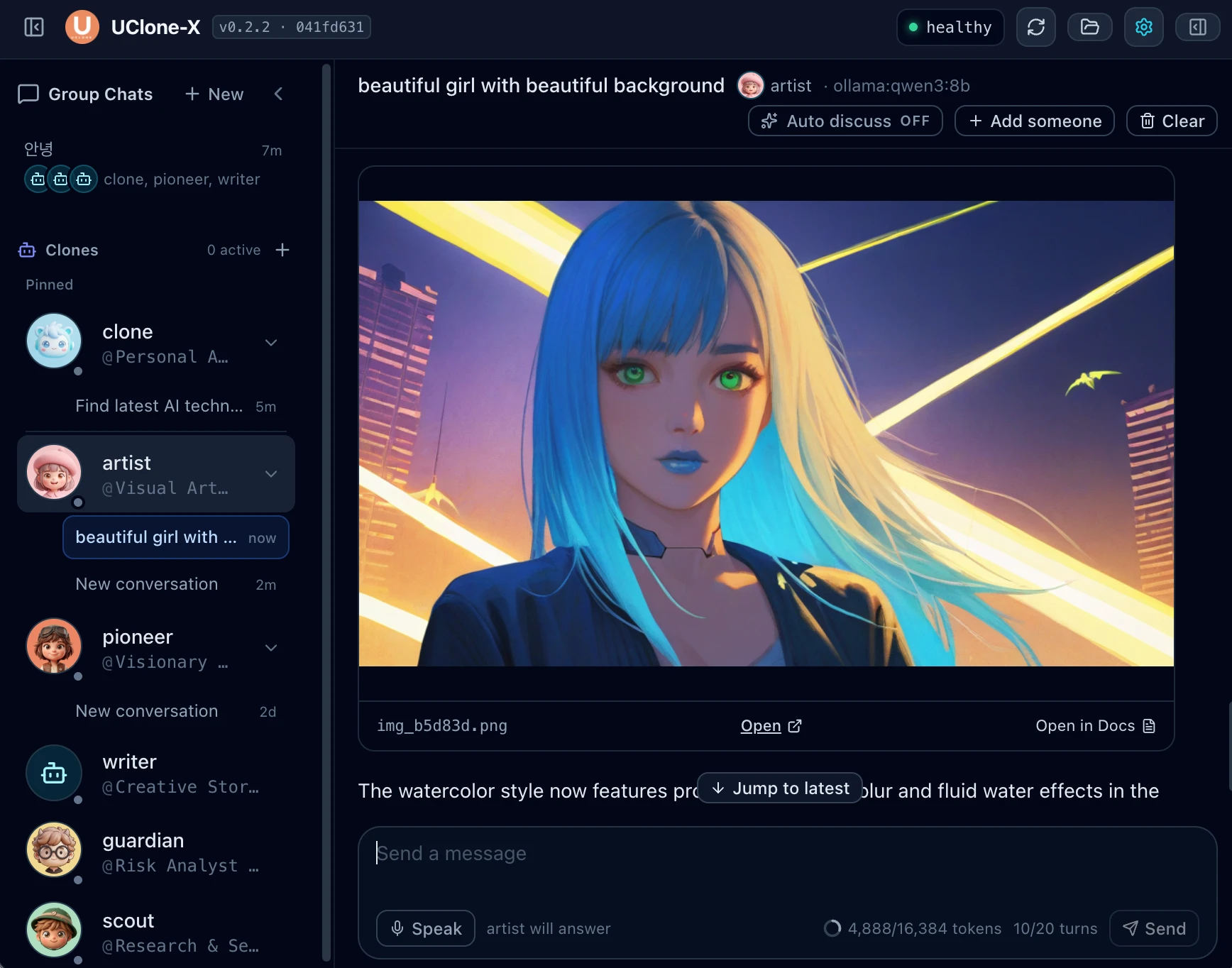
Ask scout to research, writer to draft, guardian to review risks, and artist to illustrate — all inside one shared conversation room, with your files staying on your machine.
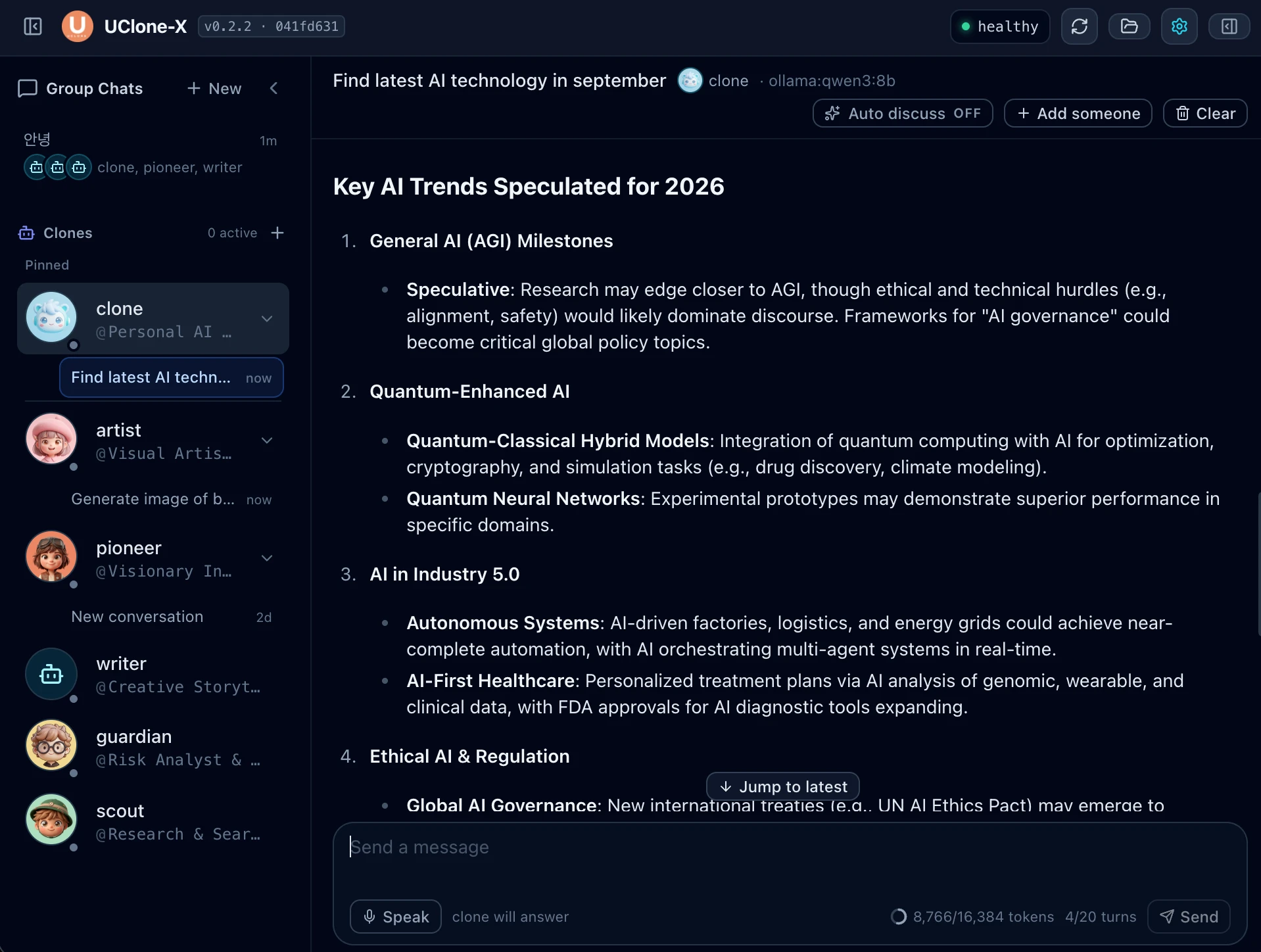
Bring multiple clones into one conversation room. Use @mention to route the next turn to a specific specialist, or turn on Auto discuss so agents debate and refine answers together.
Run 100% offline with Ollama or vLLM with zero API cost, or connect OpenAI, Anthropic Claude, and Google Gemini keys from the Settings UI.
Connect local stdio or remote HTTP MCP servers directly from the dashboard Settings, or paste any standard mcpServers JSON configuration.
Every clone records, recalls, and retracts facts across conversations, backed by ranked embedding/lexical retrieval and a LinkML-validated knowledge graph.
Generate illustrations locally on Apple Silicon (MPS), NVIDIA CUDA, or CPU via diffusers without configuring a separate server, or connect a running ComfyUI daemon.
Built on a non-blocking 6-stage reactive state machine over an in-memory priority event bus, with HTTP+JSON A2A (ucx a2a serve) and stdio ACP (ucx acp serve) servers.
Most open-source AI tools force a choice between a single-model chat interface and a code-only Python SDK. UClone-X gives you both a ready-to-use multi-agent workspace and a modular event-driven runtime.
ucx start) & terminal REPL (ucx run)@mention routing & autonomous multi-agent discussionEvery surface — the React web dashboard, the ucx CLI, the multi-agent room orchestrator, and the A2A/ACP protocol servers — sits cleanly over one strictly typed kernel.
Agents transition cleanly across IDLE → INGESTING → REASONING ⇄ CALLING_TOOL → EMITTING_RESPONSE over an in-memory priority event bus with backpressure policies.
File and shell tools are confined to your workspace directory by default. Agents can load, synthesize, audit, and promote reusable SKILL.md skill packages.
Built-in tracing, token accounting, context compaction, and OTLP export so you can inspect every LLM call and tool invocation in detail.
Yes. Create a group conversation in the dashboard (or run ucx room in your terminal) and add any combination of built-in or custom clones. Mention a clone with @name or enable Auto discuss so they collaborate on your local Ollama model.
Yes. When paired with Ollama or vLLM and a local SDXL checkpoint, every conversation, memory record, and generated image stays 100% on your computer with zero cloud dependency.
For cloud API keys (Gemini, Claude, OpenAI), any Mac or Linux machine works. For local models via Ollama, 8–16 GB RAM runs qwen3:1.7b, and 16–24+ GB unified memory or VRAM runs qwen3:8b alongside local SDXL image generation.
Add local or remote MCP servers from Settings → MCP in the dashboard. To expose a clone to other agents or editors, run ucx a2a serve (HTTP+JSON Agent-to-Agent) or ucx acp serve (stdio Agent Client Protocol).